Kaliper Documentation
Data explorer
How it works
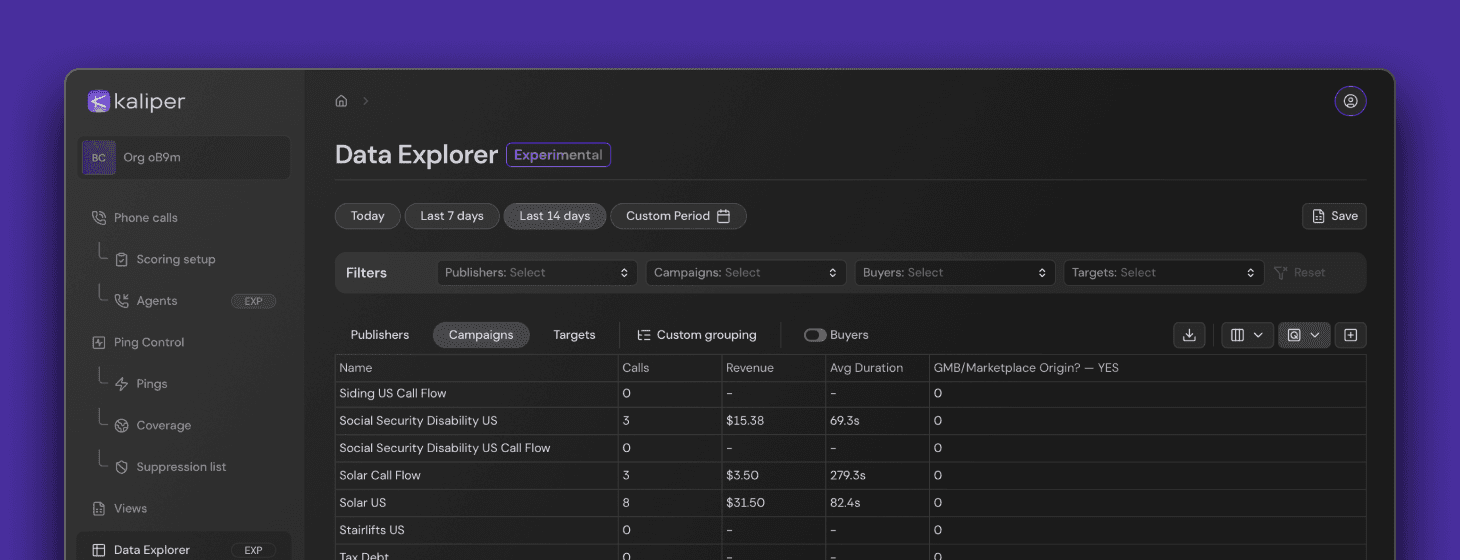
The Data Explorer is a place where you can expertly dig through your data. You can combine any available datasets, add calculated fields, visualize what you’re seeing, and shape the final dataset before sending it off for analysis or export.
At its core, the Data Explorer is a table. You can configure columns, apply filters, and create some calculated fields.
Every cell that contains a known data type can also be drilled into — clicking it opens the relevant interface section for that piece of data.
Calculated fields
You can add as many calculated fields as you want, based on the columns already in the table.
The calculations are fairly basic for now, but they’ll get more capable over time — at least until we collectively decide we shouldn’t accidentally rebuild Microsoft Power BI.
Visualizations
The built-in visualization is simple: you add a chart, attach one or more data series to it, and choose how each series should be displayed.
© 2026 A-Launch. All rights reserved.